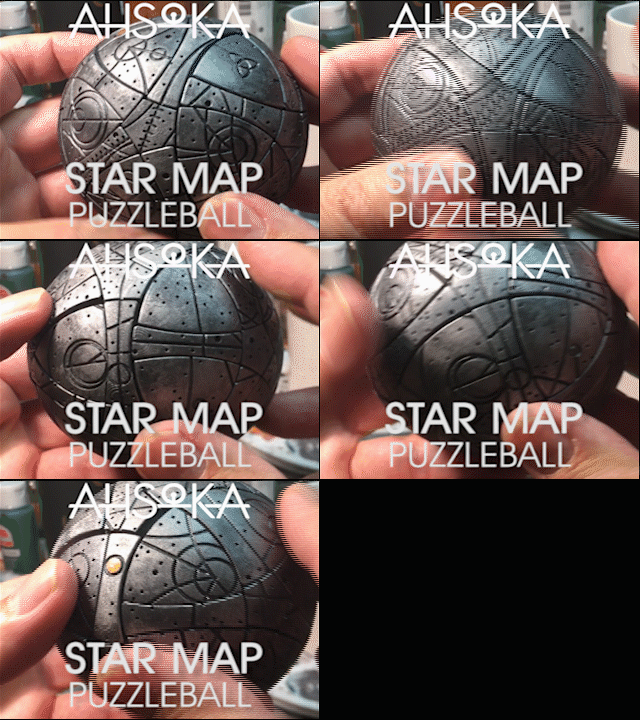
Ahsoka Star Map Puzzle Ball

When I first saw the Ahsoka Star Wars show, I was fascinated with the Star Map prop. I thought it would be awesome as a 3Dprintable project. It turned out to be very challenging to engineer the pieces. there are 62 moving parts and 12 axis of rotation!
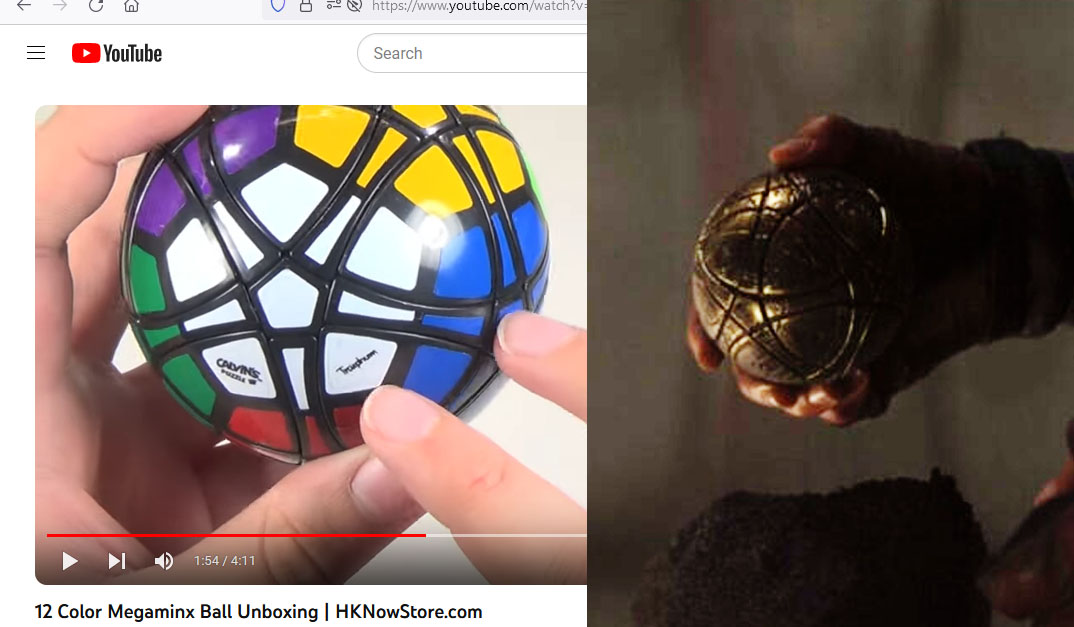
The prop in the Ahsoka TV show seemed to be a repurposed Megaminx puzzle with engraved star map. I couldn’t find a Megaminx ball (it looks like it was last manufactured in 2008), so I had to figure out how to interlock the shapes as well as how to make it work.

I started in Rhino with an 80mm sphere. The main pieces are just 3 parts, arrayed around the puzzle. The 5-sided shape is the cap at the axis of rotation. I called the 3-sided shape a “petal” and the 4-sided shape the “rib”.
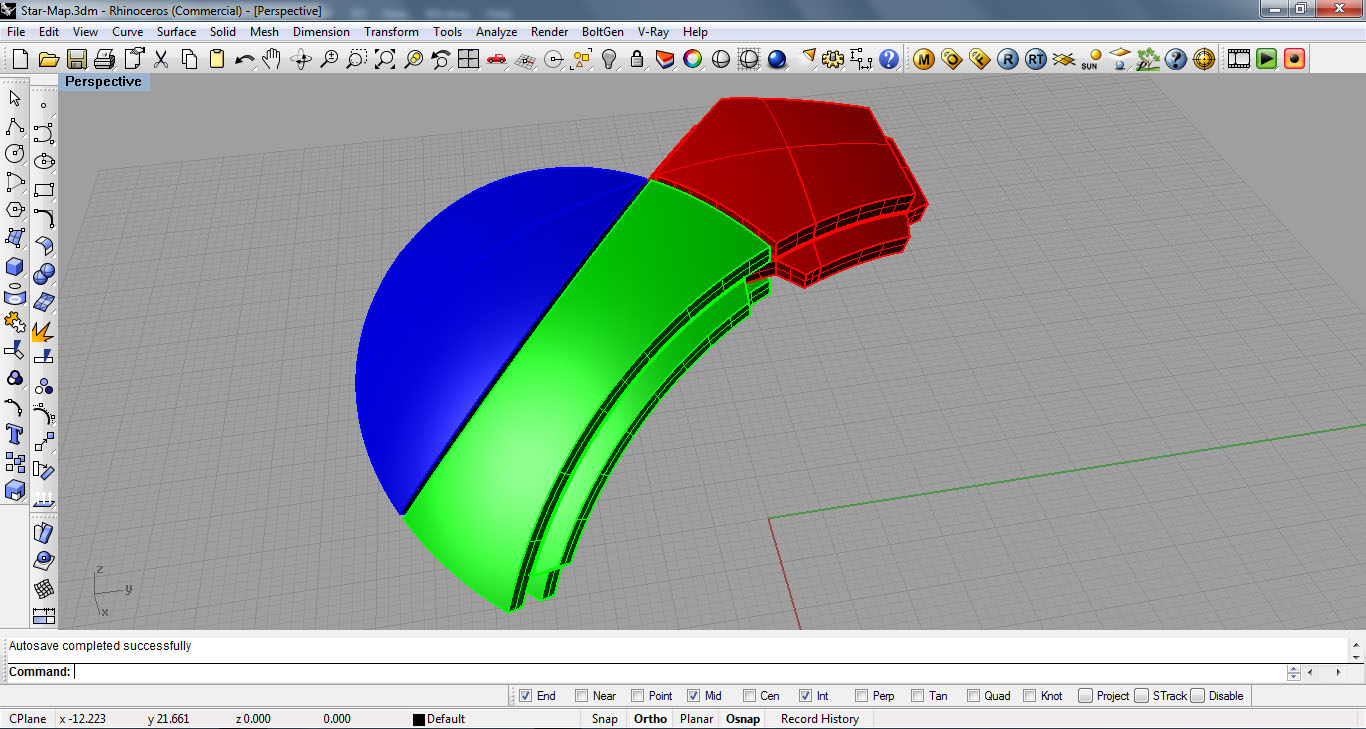
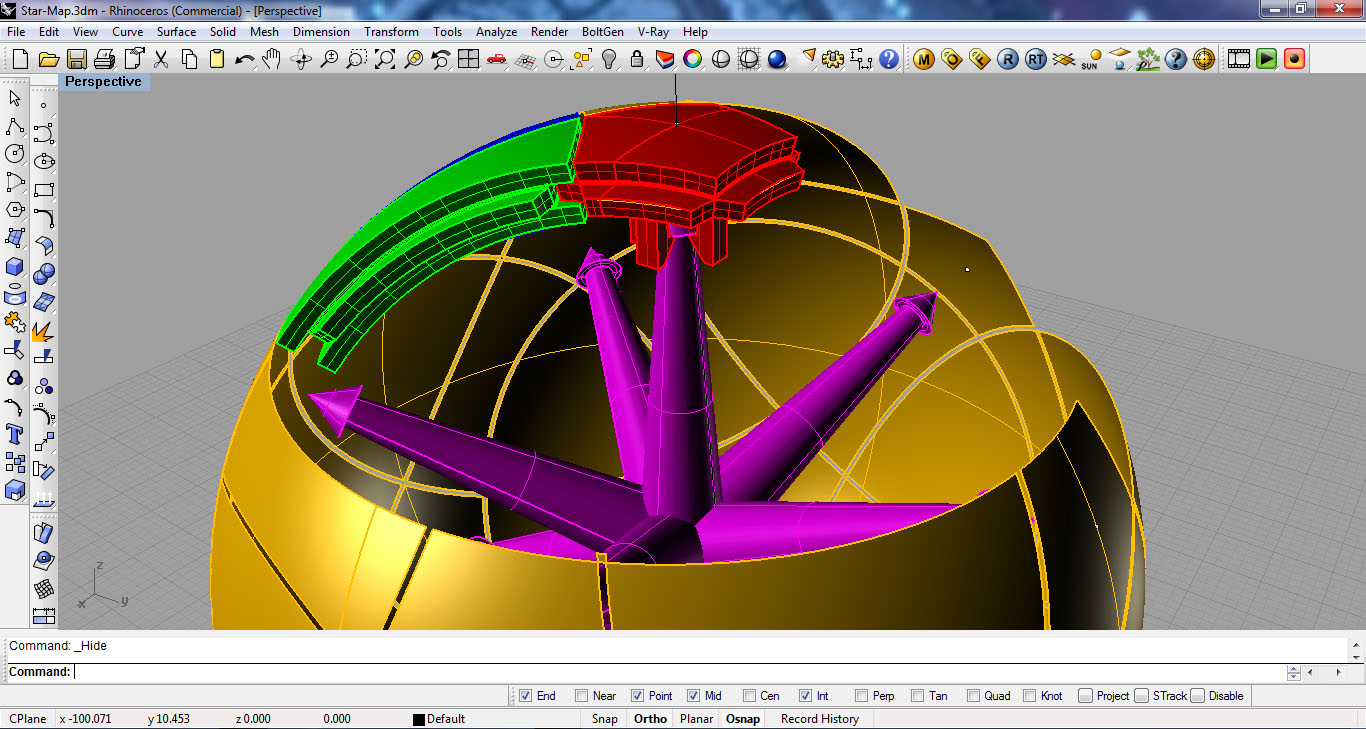
My first iteration fit together, but wouldn’t spin or slide… so I ended up tweaking and revising until I got a version that would work.
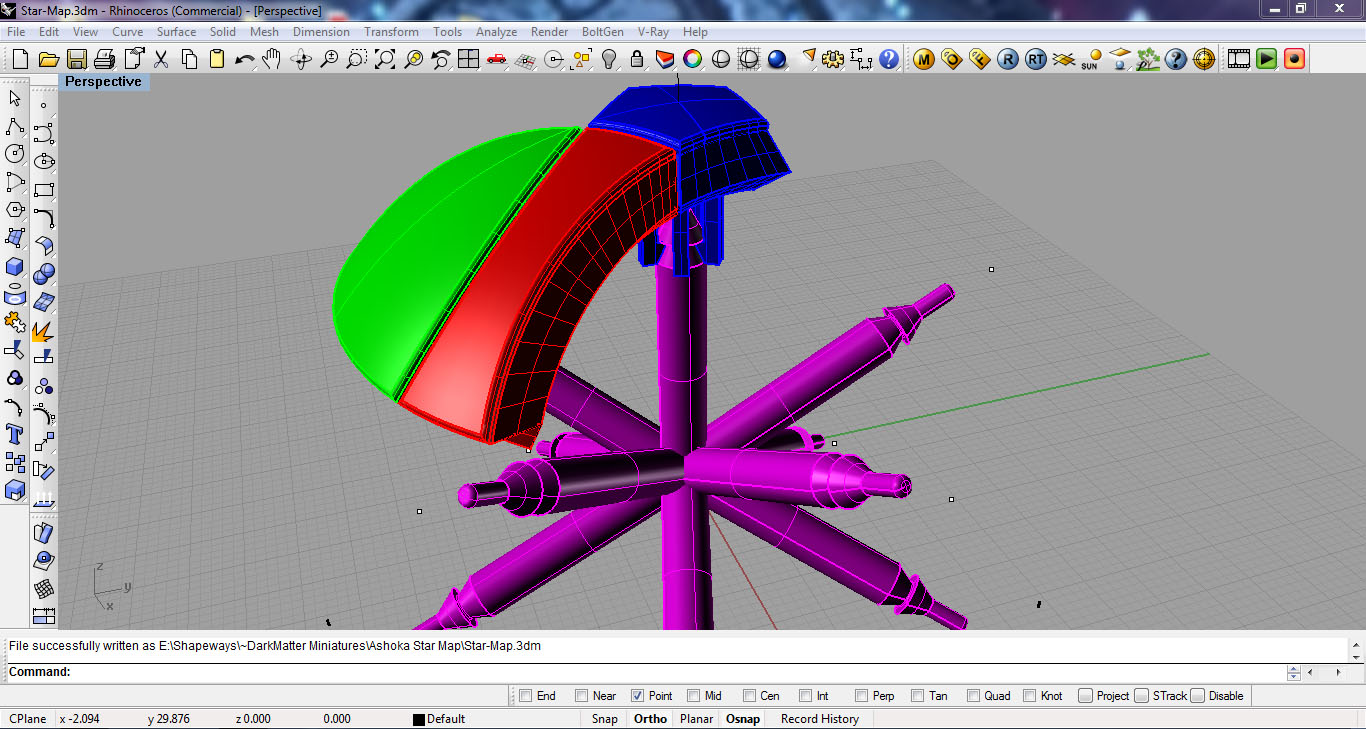
Once I had printed a version that would work, I had to figure out how to draw the star map. Rhino only had a limited ability to draw a curve on the surface, so I had to draw a curve interpolated on the surface and then snap to the points on that curve to draw spheres that I could intersect to create the circles on the main sphere.

I piped a tube around those circular curves to create geometry that I could boolean subtract from the final pieces. Such a boolean operation would easily crash my computer in Rhino, so my plan was to export all of the geometry into ZBrush and use the Live Boolean feature.

From the Umesh results, I first autogrouped the parts and gave it a name before splitting it to subtools. this gave me each piece as a separate subtool, named sequentially. Then I used the 3Dprint Exporter to save as STL using the subtool names!

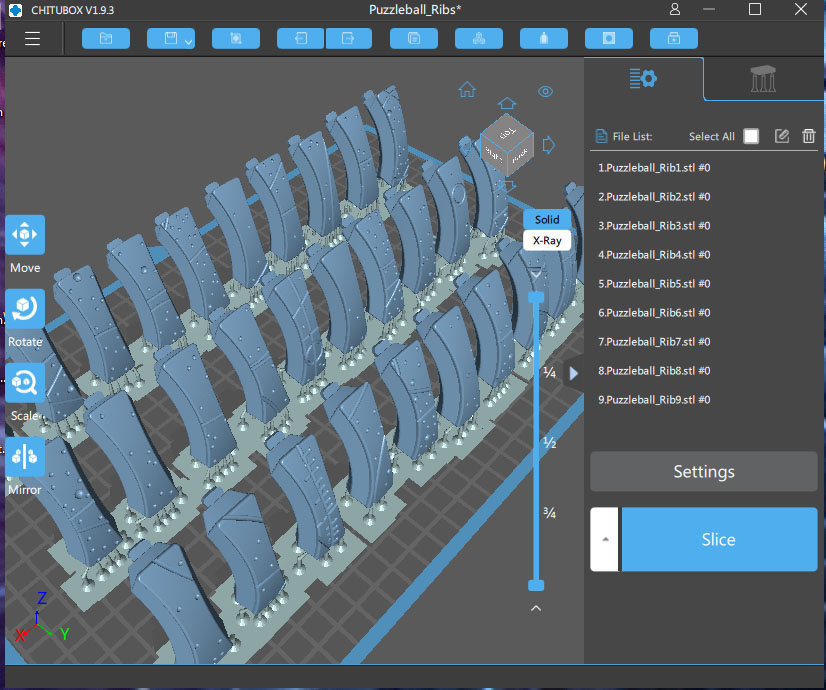
In Chitubox I created a separate project for each type of piece: Axis, Caps, Petals and Ribs. I 3Dprinted all of the pieces in ABS resin. I also saved the Chitubox projects with all of the supports, so that I could include the pre-supported files along with the STL files. Since all of the files exported in their final orientation on the model, they had to be rotated and positioned on the build plate–I didn’t want to make the customer have to do all of that!

Here is a video of how to assemble. I used some graphite lubricant (it is a very fine black powder) on a Q-Tip to swab the v-shaped notches on the Petals and Ribs, so that they would slide more freely.

I’m very happy with how it turned out! It works! all of the 62 moving parts slide and rotate just like the one in the show!

If you would like to 3Dprint this project, the files are available here on Cults3D.

I made this for you!

When I’m sculpting or painting, I’m just trying to do my best to put the vision into a physical form. Where it comes from is a mystery, some liminal place like a dream…

I have to trust that whatever Muse inspired me to create a piece of art also plays a role for the viewer, because I don’t know who it is for when I’m creating the work…

If my art resonates with you, if it calls to you, then it was made for you.

Bear Cub Martini Glass

This was a custom martini glass of 3 bear cubs climbing a pine tree. The client provided some photos for inspiration and specific volume requirements for the martini. Originally conceived as a 3D printed piece through Shapeways, I designed around the requirements for their process. However, because this was a luxury item, the client opted for using a traditional foundry and had the glasses cast in stainless steel.

Because of the need for precision for the glass, I modeled the basic form in Rhino. Then I exported that Geometry and brought it into ZBrush for the sculpted elements. I looked at a number of materials from porcelain to steel to give the client some options for materials, as each material has different specifications for minimum wall thickness.

Capture04

The basic bear cub was modeled in ZBrush, and 3 different copies of it were posed on the stem of the martini glass

Capture11

Capture12

The details of tree bark, branches, and roots were sculpted on the geometry that I created in Rhino


The foundry used a 3D printed pattern to create traditional molds and then cast the final glasses in stainless steel.

IMG_8741 - Copy

IMG_8740

I thought that this project was interesting because I was able to combine the precision of CAD, calculating the liquid volume, with the artistic freedom of digitally sculpting in ZBrush. I also liked how well it turned out, as an actual martini glass.

The client was also very pleased with the results. and says that the metal also serves as an excellent heat sink, keeping the martini cool!

Thoughts on 3D Printing

SW_YB_01

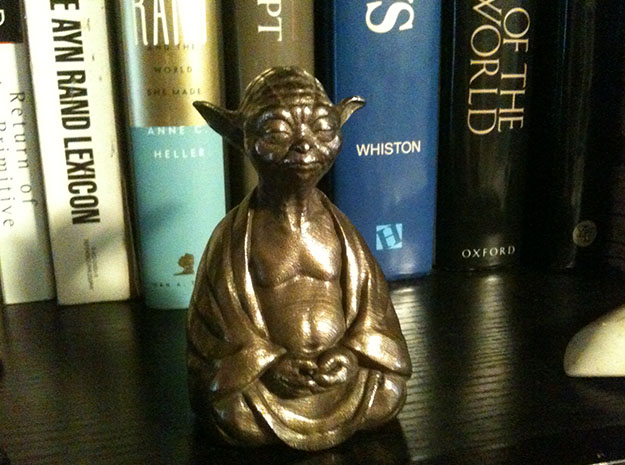
It seems incredible to me that I’m looking at a bronze sculpture of YodaBuddha created  by 3D printing. I conceived the idea in the morning, sculpted it in ZBrush, and uploaded the file to Shapeways in the afternoon.

The “buzz” about 3D printing has been on the technology, the printers themselves, and those start-up companies like Makerbot and Formlabs who have entered the hardware market in the last few years. The story of the individual designer with his home factory creating limited edition or bespoke items is just beginning.

From a designer’s perspective, it is very empowering to be able to go directly from an idea to a manufactured product–No set up fees, tooling costs, or minimum quantities. While it is possible that the technology could bring some manufacturing back to the US from Asia, I think that something like a home-factory craft business may emerge here.

If you have a great product idea, it should be possible to produce it directly with 3D printing. What comes to mind are short-run items like garage kits, designer toys, miniatures, collectibles. The kind of art objects that are done with silicon molds and casting resins. The same companies doing that type of product now are also places that might provide some freelance opportunities… Artistry and skill come with years of practice. The ubiquity of 3D printers doesn’t change that, but it does create a market for designers who can turn an idea into a printable file.

I was (like many artists, I’m sure) eagerly reading the brochures and specs of the latest machines–excited by the prospect of getting my own. I was about ready to place an order for the Form1+ when a news article gave me pause…Auto Desk announced their intentions to enter into this marketplace as well… Now, they create great tools–don’t get me wrong–but the majority of folks buying their content creation tools are dreaming of being artists and animators.  The spectacular Hollywood animated features and the blockbuster visual effects have them inspired–but not everyone is going to end up with a job at Pixar… Similarly, people are excited by the technology of 3D printing and rushing to get one of their own–many inspired by remarkable artwork that they see posted on ZBrushCentral –as though the right software and the right magic box is going to turn them into the next Michelangelo…Rather than being fleeced, those artists might be better served by a modest investment in some watercolors and a box of Sculpy….

Keeping this in mind, I thought I better figure out what I am going to make and who I’m going to sell it to before I plunk down the money for my own printer. Our public library has Makerbot Replicators that you can use if you have a library card ($50/year if you live outside the city), and Shapeways has lots of material choices that I can experiment with for now….

Edit:
After all of that, I finally broke down and bought an awesome Printerbot Simple Metal. for $599– It was in the top 4 in Make Magazines 3D Printer shootout!


Zbrush

I’ve been learning how to use Zbrush, a 3D sculpting program.
It is so much more intuitive than traditional animation and CAD programs. I don’t think that I can ever go back!